Streamline Your Cold Email Campaigns with Automated Scheduling and Data Integration
Learn how to automate scheduling and integrate AI-generated cold email sequences into your CRM or dashboard, focusing on a practical Latin America use case.
Introduction
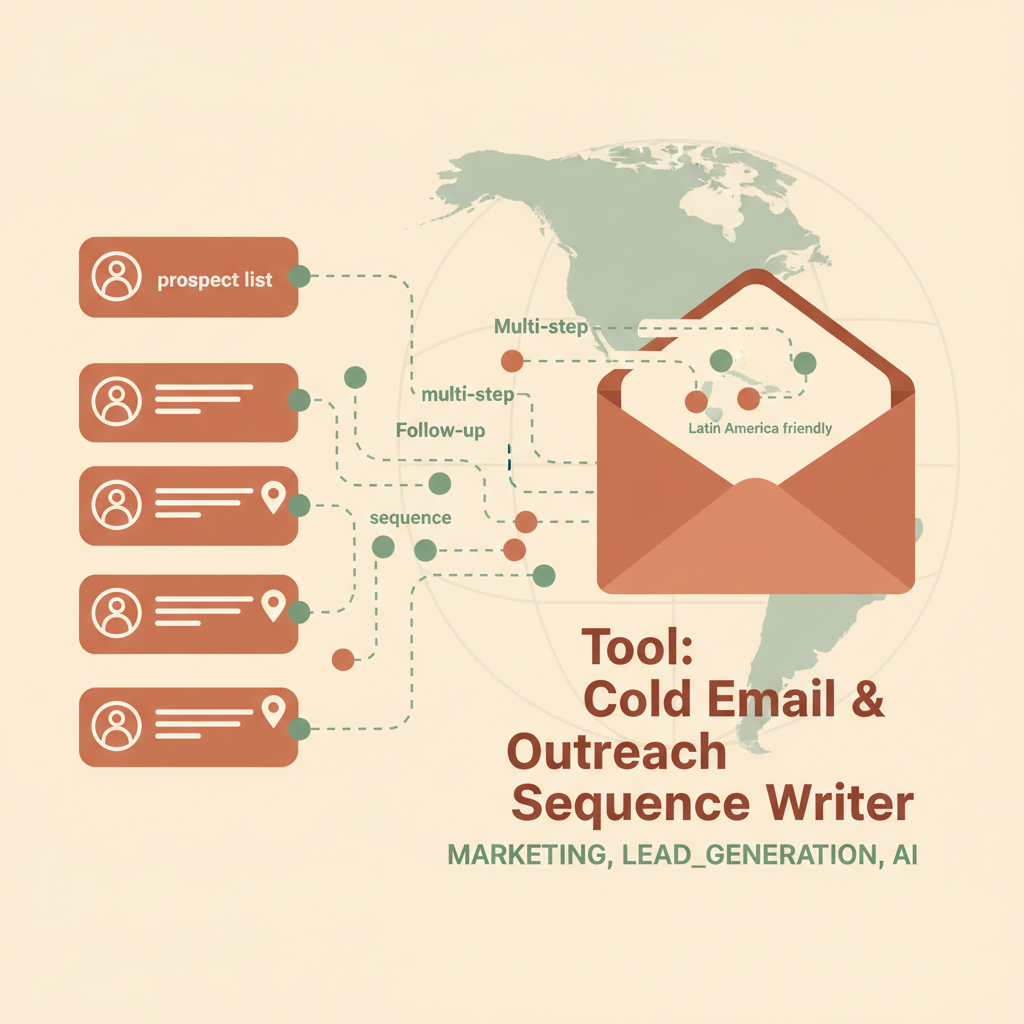
In the fast-paced world of sales and marketing, efficiency is key. Automating your cold email campaigns not only saves time but also ensures consistent and timely follow-ups. This guide will walk you through setting up an automation workflow to schedule AI-generated cold email sequences and integrate them into your CRM or dashboard.
Try Tool: Cold Email & Outreach Sequence Writer free →
Setting Up the Automation Workflow
To get started, you'll need access to the Tool: Cold Email & Outreach Sequence Writer. This actor will generate personalized email sequences based on your input data. Here's how you can automate the process:
- Data Preparation: Gather a prospect list with relevant details such as company, industry, and the specific offer you want to pitch.
- Actor Execution: Run the actor with the prepared data. This will generate email sequences with subject lines and personalized bodies.
- Data Export: Export the generated data into a CSV or JSON format, which can be easily imported into other systems.
Scheduling the Campaigns
Once you have your email sequences ready, the next step is scheduling them. This is where automation truly shines:
- Choose a Scheduling Tool: Use tools like Zapier or Integromat to automate the scheduling of emails. These platforms can trigger actions based on events or schedules.
- Set Triggers: Create triggers based on your chosen criteria, such as the timing of follow-ups or specific actions by the recipient.
- Integrate with Email Platforms: Connect your scheduling tool to an email platform like Gmail or Outlook to automate the sending process.
Integrating with CRM or Dashboard
To keep track of your campaigns and measure their success, integrate the generated data into your CRM or dashboard. Here's a simple way to do it:
- Import Data: Use the CSV or JSON export from the actor to import data into your CRM system like Salesforce or HubSpot.
- Automate Updates: Set up workflows within your CRM to update records based on responses or actions taken by prospects.
- Visualize Data: Use dashboard tools like Google Data Studio to visualize the performance of your email campaigns.
A Latin America Use Case
Imagine you are a logistics company in Latin America looking to expand your client base. You gather a list of potential partners and use the Cold Email & Outreach Sequence Writer to craft personalized messages highlighting your innovative shipment tracking solutions. By scheduling these messages and integrating the follow-up data into your CRM, you can efficiently engage with prospects and track responses, ultimately leading to more partnerships.
Conclusion
Automating your cold email campaigns and integrating them into your existing systems can significantly enhance your outreach efforts. With the right setup, you can ensure your messages are timely, relevant, and impactful. Give the Tool: Cold Email & Outreach Sequence Writer a try and experience the benefits of streamlined communication firsthand.