
SEC EDGAR 10-K, 10-Q & 8-K Filings Scraper
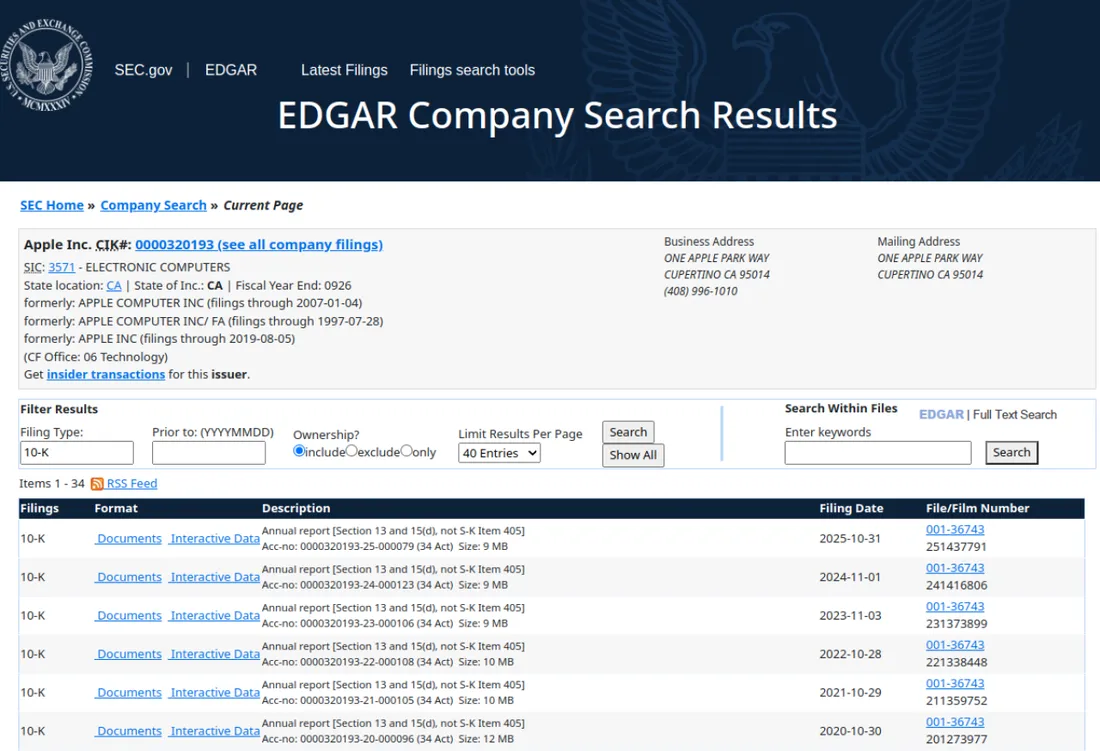
Scrape SEC EDGAR company filings by ticker or CIK. Get form type (10-K, 10-Q, 8-K, Form 4), filing date, accession number, report date, insider transactions and direct sec.gov document links. Export to JSON, CSV or Excel.
{
  "companyName": "Apple Inc.",
  "ticker": "AAPL",
  "cik": "0000320193",
  "entityType": "operating",
  "filerCategory": "Large accelerated filer",
  "stateOfIncorporation": "CA",
  "stateOfIncorporationDescription": "CA",
  "fiscalYearEnd": "0926",
  "ein": "942404110"
}
Every run returns clean, typed records, ready for your CRM, spreadsheet or database.
- One clean record per result, deduped and normalized
- Stable schema in JSON, CSV or Excel, or read it via the Apify API
- Pay per use in the cloud, nothing to install or maintain
A real example record, exactly the shape you receive.
| Company Name | Ticker | Cik | Entity Type |
|---|---|---|---|
| Apple Inc. | AAPL | 0000320193 | operating |
| Apple Inc. | AAPL | 0000320193 | operating |
| Apple Inc. | AAPL | 0000320193 | operating |
| Apple Inc. | AAPL | 0000320193 | operating |
| Apple Inc. | AAPL | 0000320193 | operating |
{
  "companyName": "Apple Inc.",
  "ticker": "AAPL",
  "cik": "0000320193",
  "entityType": "operating",
  "filerCategory": "Large accelerated filer",
  "stateOfIncorporation": "CA",
  "stateOfIncorporationDescription": "CA",
  "fiscalYearEnd": "0926",
  "ein": "942404110"
}
Frequently asked questions
How do I choose which companies to scrape?
You can provide stock tickers such as AAPL or MSFT, raw CIK numbers, or a company name substring that matches the SEC ticker directory. Tickers are resolved to CIK numbers automatically, and you can mix all three inputs in one run.
Which filings does it return?
It returns the filings listed in a company submissions history on EDGAR, newest first. You can filter by form type, for example only 10-K, 10-Q and 8-K, and by a filing date range. Companies with long histories also have older filings paged in from EDGAR archive files when needed.
Can I get a direct link to each document?
Yes. Every record includes a primaryDocumentUrl that opens the main document on sec.gov and a filingUrl that opens the full filing index, so you can move from the dataset straight to the source.
Can I see insider transactions from Form 4 filings?
Yes. Enable Insider Transaction Details and filter the form types to 3, 4 and 5. For each ownership filing the actor opens the ownership document and parses every trade, including the insider name, their role at the company, the number of shares, the price per share, the transaction date, and the shares owned afterward.
How current is the data?
The data comes straight from the SEC EDGAR submissions API, which updates as new filings are accepted, so a run reflects filings available at the moment it runs.
What happens if a company cannot be found?
If a ticker or CIK cannot be resolved, the actor records an error row for that input and continues with the rest, so one bad symbol never stops the run.
Ready when you are.
Run the scraper live on Apify right now, or have us build one tailored to exactly what you need.